
Deep 3D customisation
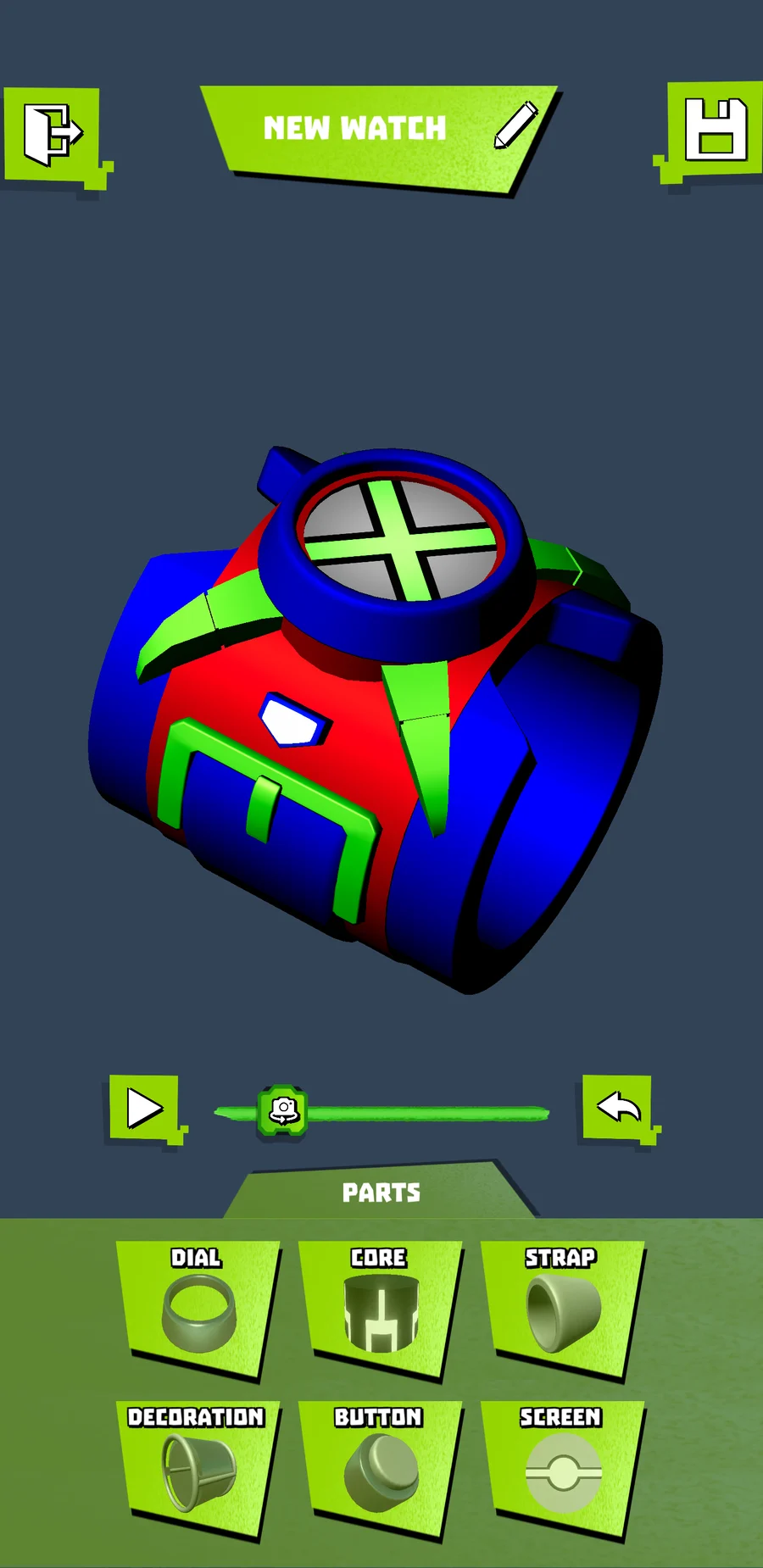
Mix and match six part categories: Dial, Core, Strap, Button, Decoration and Screen. Every Omnitrix watch you build can look completely different from the last.
What's inside
Omni-Lab 3D is a full 3D workshop in your pocket. There are no modelling skills to learn and no menus to fight, just tap, recolour and spin.
Mix and match six part categories: Dial, Core, Strap, Button, Decoration and Screen. Every Omnitrix watch you build can look completely different from the last.
Drop any of the 66 alien heroes onto the dial. Pick a favourite, or invent an Omnitrix mash-up nobody has seen before.
Repaint every part and set the glow colour of the Omnitrix lights. From neon green to deep magenta, the whole spectrum is unlocked.
Point your camera at your wrist and the Omnitrix appears there in real time. Flip the camera and grab screenshots while it is mounted.
Preview your Omnitrix under three lighting setups and a set of backdrop colours. A hologram look is one tap away.
Give the Omnitrix a voice. Assign signature alien sounds that play as you spin the dial and switch forms.
Screenshots
Tour the workshop: building, lighting, editing and placing your Omnitrix watch in the real world.
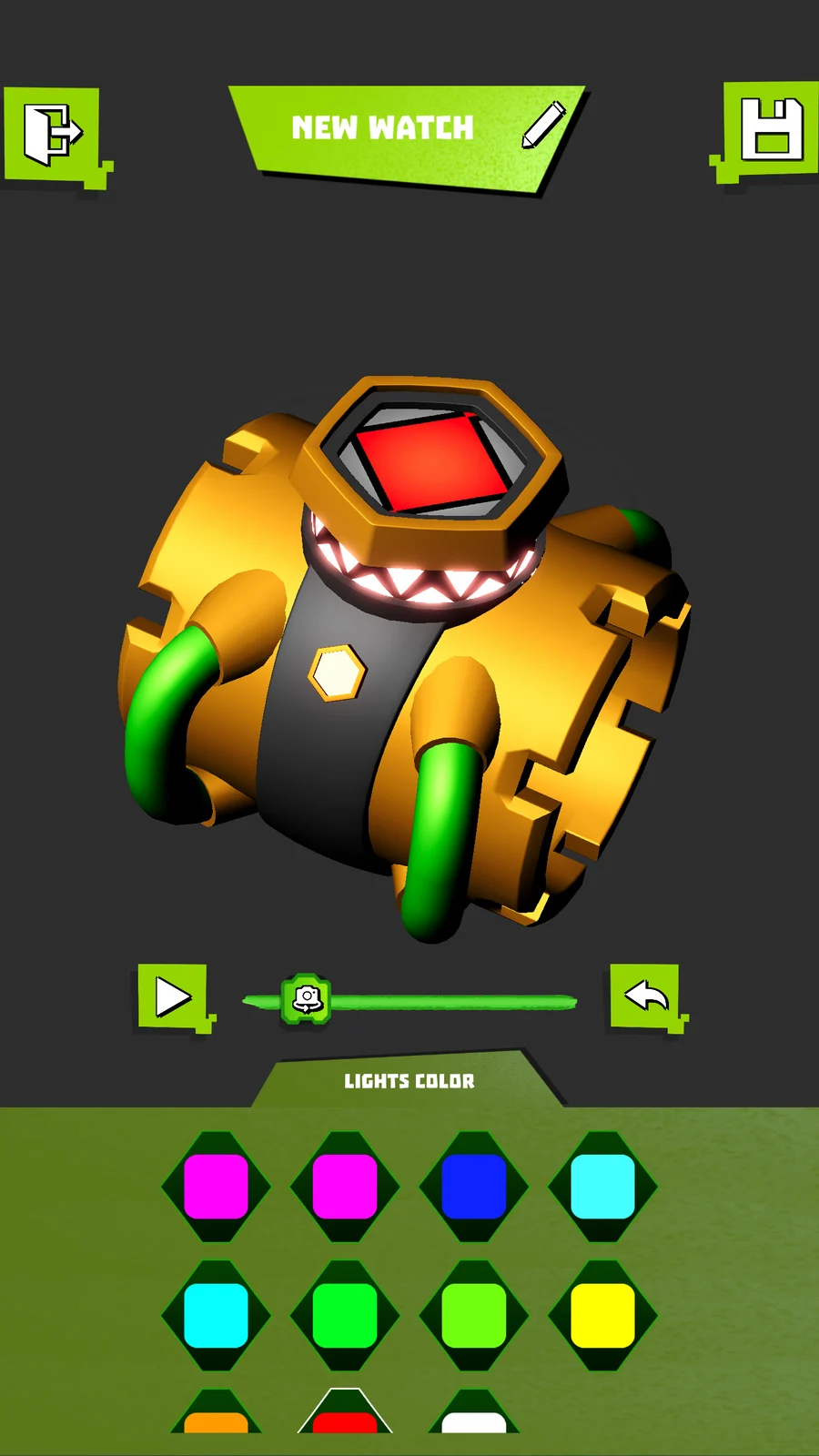
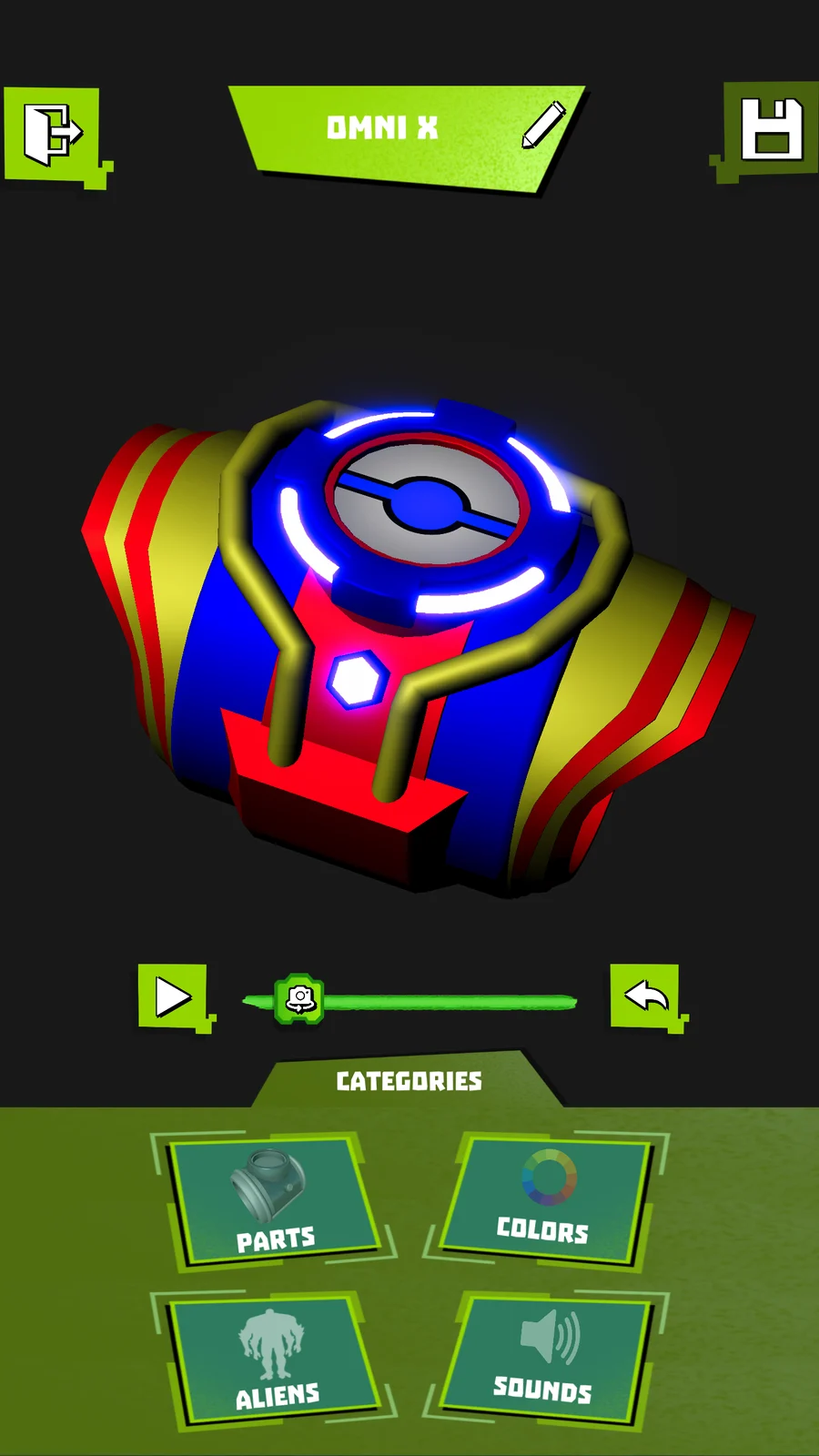
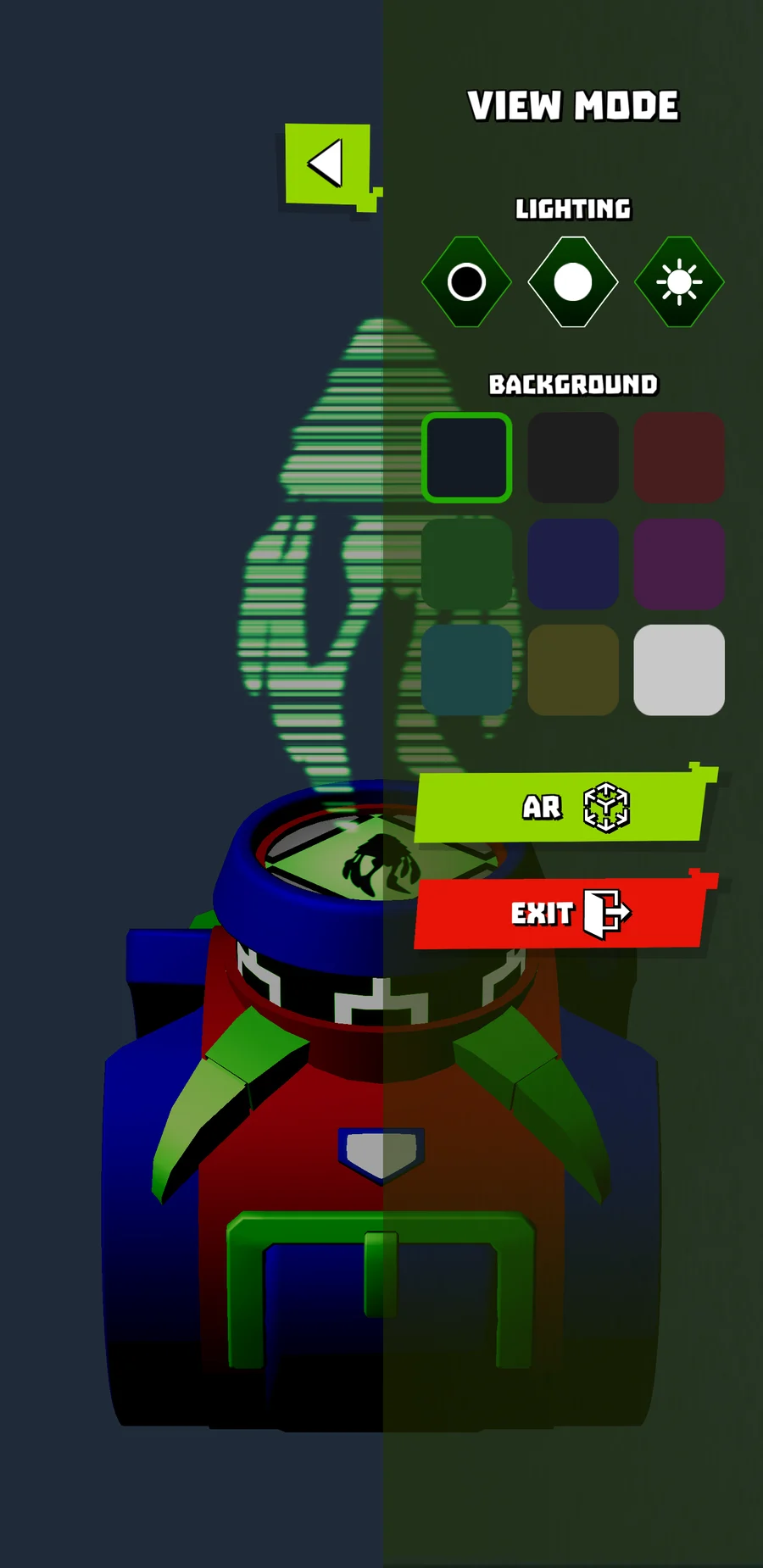
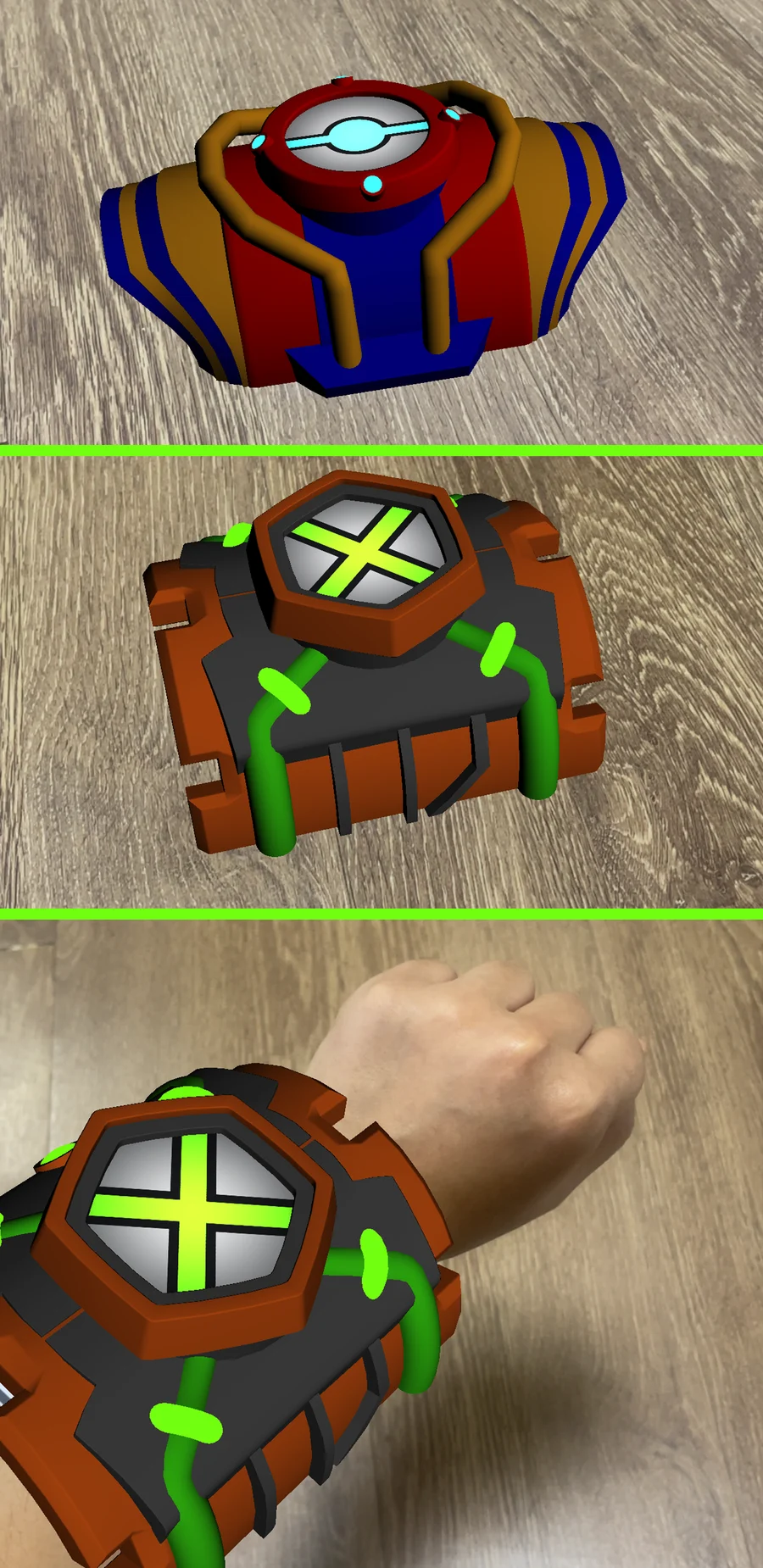
AR Mode drops your finished Omnitrix into the real world at true scale, on your wrist, on a desk, wherever you point the camera.
How it works
From a blank dial to a watch on your wrist in under a minute.
Start from a blank dial and add parts category by category. Rotate the model as you build to check every angle.
Recolour the shell, choose the alien on the dial, set the glow colour of the lights, and pick the sounds.
Open AR Mode, aim the camera at your wrist, and watch the Omnitrix land there. Save screenshots straight from the session.
Good to know
Yes. Omni-Lab 3D is a free download with optional in-app purchases that unlock extra content. Every core creative tool is available from the start.
No. Version 1.4 introduced an AR Mode that works without any printed marker, and you can flip the camera or take screenshots while the Omnitrix is placed.
Omni-Lab 3D runs on iPhone and iPad with iOS 15.0 or later, and on Android devices through Google Play. The App Store build is around 296 MB.
As many as you like. Designs are saved locally on your device, so you can keep a shelf of Omnitrix watches and come back to edit them later.